
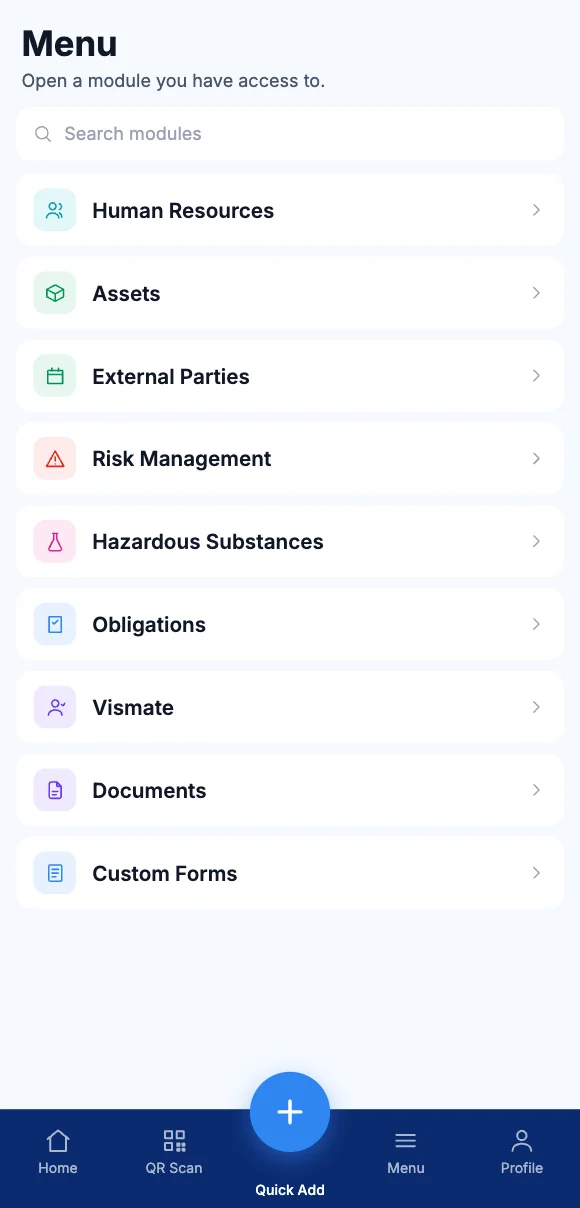
Your work is organised by module. Your business isn't.
A site manager doesn't think in modules. They think about their yard, this week — and want one screen that shows it.
Six tabs for one site
Tasks in one place, audits in another, the asset register somewhere else. Nobody has the whole picture of a location.
Head office is the bottleneck
If only the administrator can assign work, every site waits on one inbox to get anything moving.
Comparing sites is manual
Which branch is behind on inspections? Answering that means exporting three reports and joining them in a spreadsheet.
How it works
Set up the place, then work inside it.
01
Build your structure
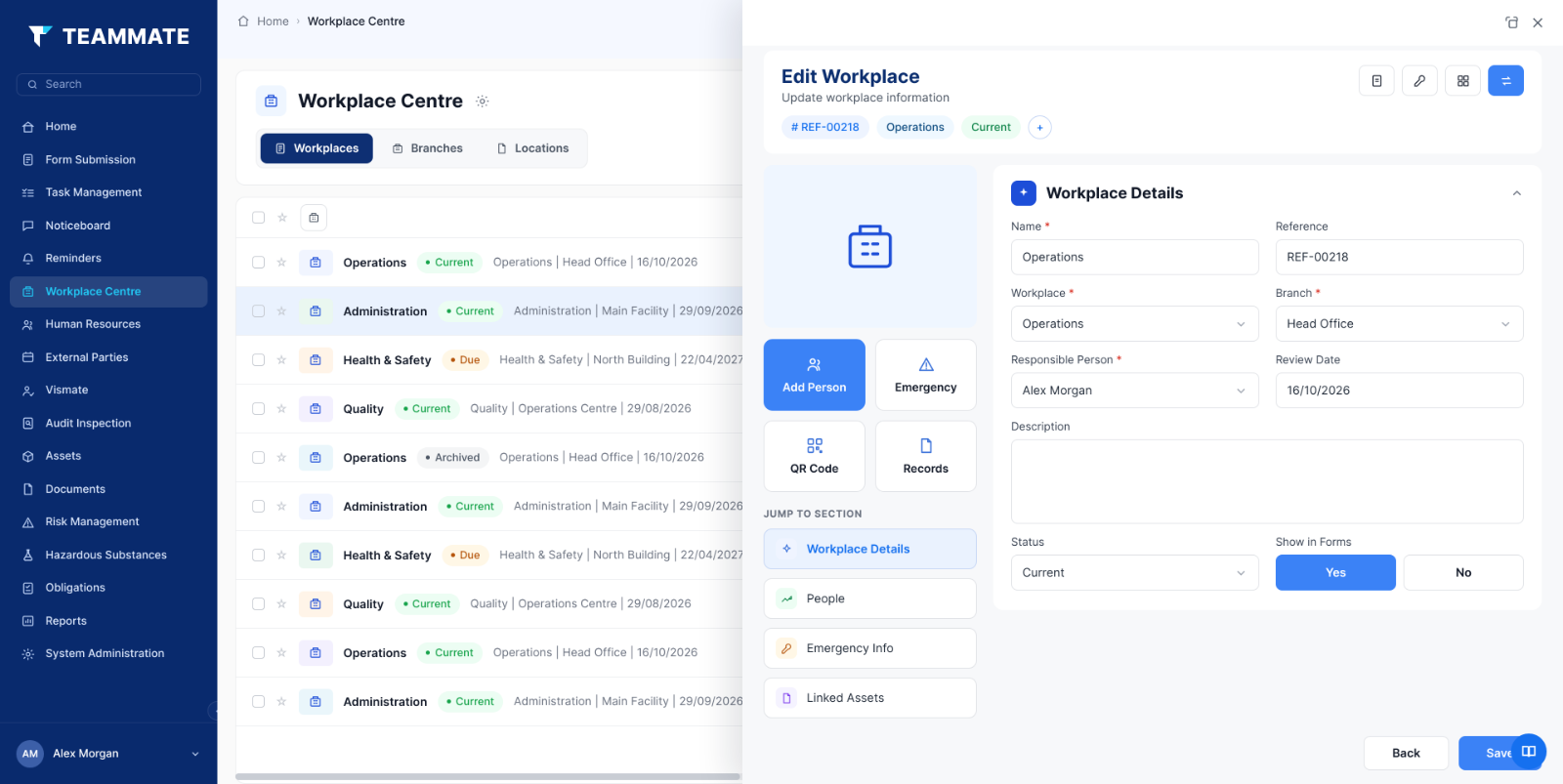
Sites, branches, areas, projects — nest them however your organisation actually works.
02
Attach people and assets
Assign employees and equipment to a workplace once; every register, report and permission follows.
03
Assign the work
Create tasks, schedule audits, issue forms and set reminders from inside the workplace, not from a central queue.
04
Compare across sites
Because every site records the same way, the group view is a filter — not a reporting project.
Local control, group oversight.
Site managers run their own patch without seeing everyone else's. Head office sees all of it without having to ask. Same data, different lens.
- Permissions by location — a supervisor sees their site, a regional manager sees their region.
- Projects with an end date — stand a site up, run it, close it out, keep the record.
- One template, every site — roll out the same audit schedule and forms to a new location in minutes.
Works with
The structure everything else hangs off.
Set a workplace up once and every other module inherits it — reporting, permissions and registers included.